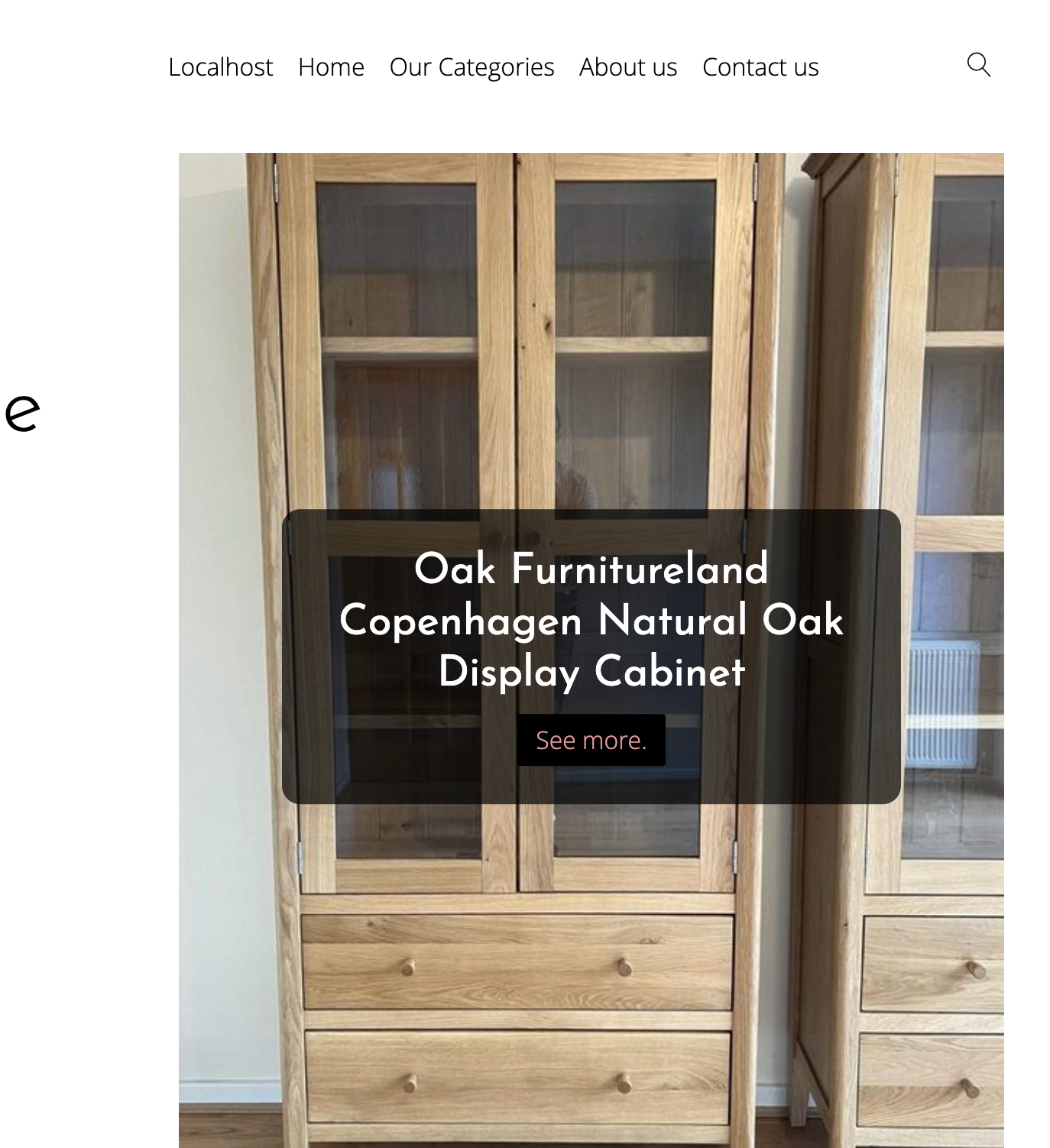
How to Set Up Promotional Items

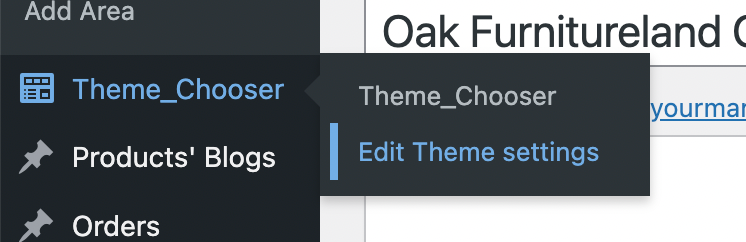
  1. Go to Theme Chooser -> Edit Theme settings:
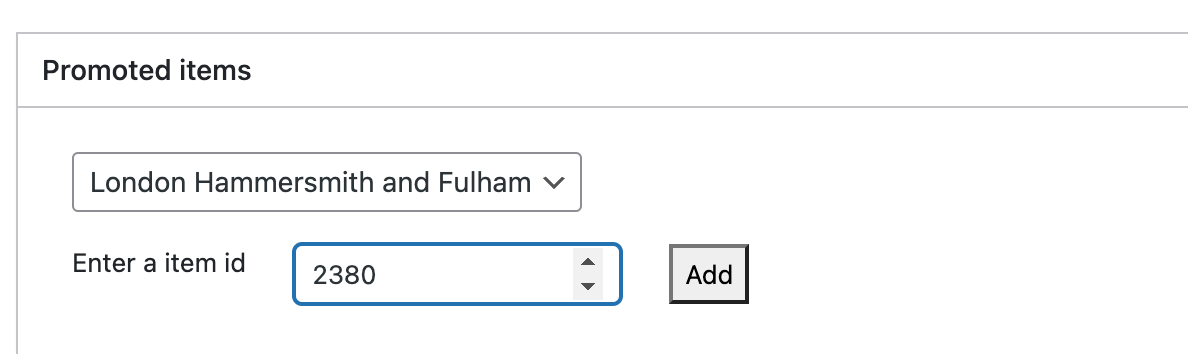
  2. Enter the id of the item for the site you want to add. Add it. Wait for it to be added. Click on update
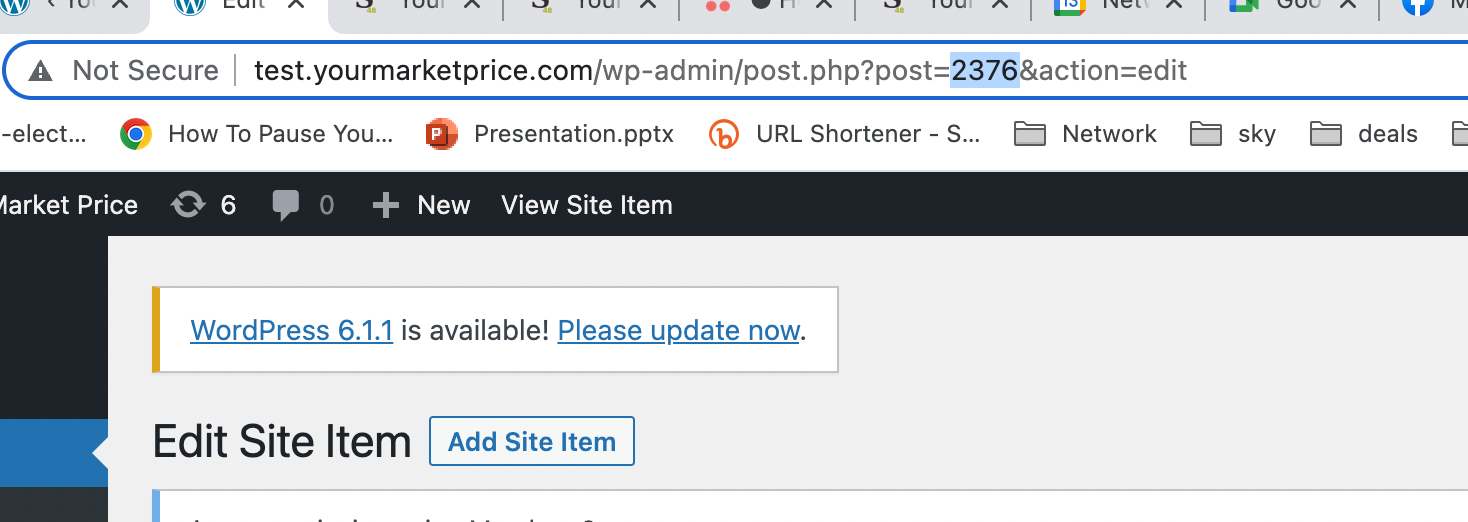
  3. Hint: the id of the item can be found in the url
  4. See the promotional added.

About this Documentation

This documentation site consists of all the comprehensive Studio48 documents. All technical, administrative, and client admin documents have been organized on this site for easy access. Just click on the type of document you wish to access and you’re good to go.

Studio48 Socials