HOW TO ADD SHAREABLE ITEMS TO A SITE
Documentation types
We have some instances on some of our sites, where the site items are shareable among the different areas. This is how to add items and assign them to the areas:
1.ADD SITE ITEM:
Add your product following the same steps we use when adding site items i.e on dashboard Add site item- Add title-Add item description- Upload and add images- input price and add options (if available)-Publish. This is as shown in images below when adding “Engine Wash”:
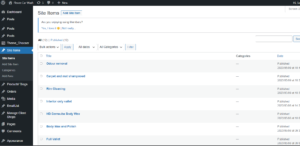
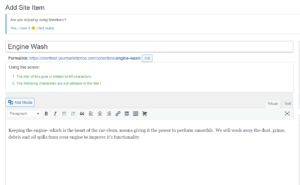
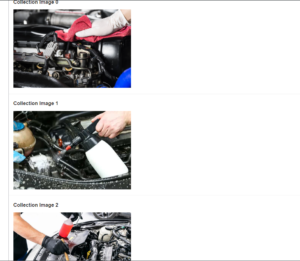
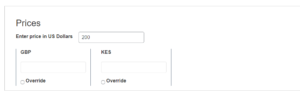
2. ASSIGN SITE ITEMS
The second part is assigning the site items to the areas. On the dashboard, go to Site Items, Add area and select area you’d like to assign/edit items. On the Edit area page, scroll down to Assign Site Items Section. Click on the “Click here to add or edit items for this Shop” link.
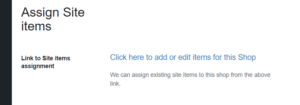
This will open the Assign Item page as below:
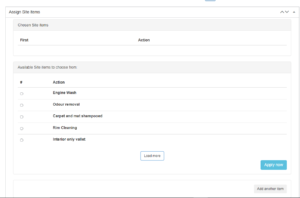
Select items you’d like to assign to the area and click Apply Now.
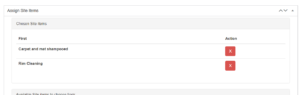
The selected items will show as image below. To delete an item, click on the red cross box. When done with assigning/editing the items click update.