How to add a client
Documentation types
Adding a client is in two parts. We fist add a client on studio 48 then choose a site (in this case your marketplace) and add the client on that site as well.
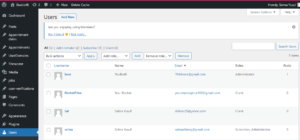
After login, on the left panel, click Users and choose Add New;
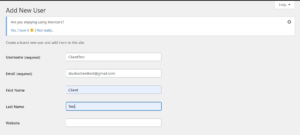
Enter clients details i.e Username, Email, First Name, Last Name and Website if available.
On the password field, you can use either of the following:
- The system generated password, or click generate password to generate another one.

- Enter your own desired password and check the “Confirm Use of Weak Password” box

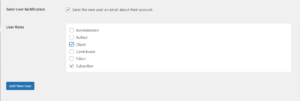
Check Send User Notification box.
Under User Roles, check client box. Check all details are correct and click Add New User.
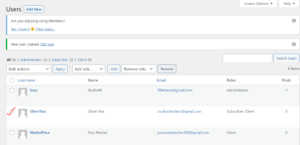
You will get a new User Created notification and User will be on the list.